Documentation

Installation & Setup
Step‑by‑step instructions for installing and configuring a copy of the Abaque template for your region and language.
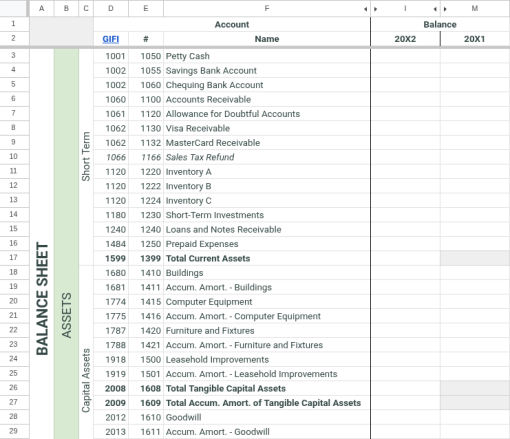
Chart of Accounts
Configure your CoA, organize financial statement sections, add new GIFI‑mapped accounts, and maintain a clear, structured foundation for accurate reporting.
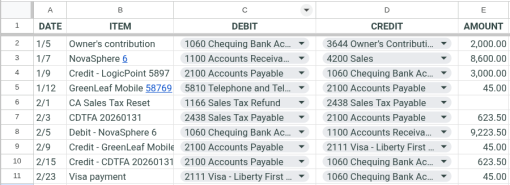
Journal
The primary data-entry interface for recording daily transactions. It features a flexible transaction layout with integrated GIFI mapping and automated calculations, adaptable to any regional tax configuration.

Sales Tax Logic
Technical guidance on how Abaque calculates and handles sales taxes across Canadian and International templates.
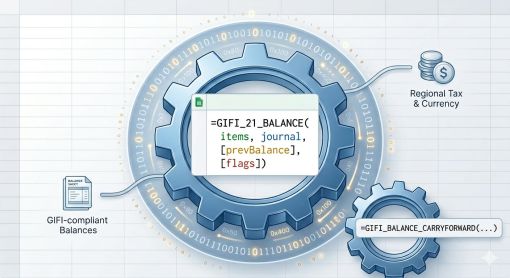
Custom Functions Reference
Technical reference for Abaque’s custom Google Sheets functions. Learn how to use GIFI_21_BALANCE and GIFI_BALANCE_CARRYFORWARD with bitmask flags for regional sales tax, exchange rates, and automated financial reporting.

Macros Library
The central automation engine for abaque templates. This library houses the secure Google Apps Script routines that handle core bookkeeping workflows, ledger balancing, and automated notifications directly from your spreadsheet.
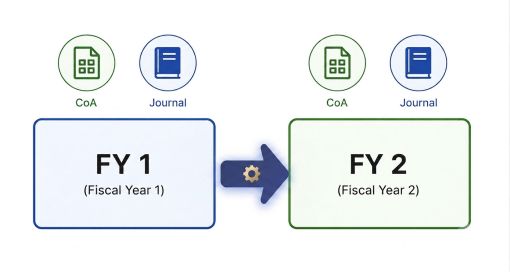
Start a New Year
Learn how to prepare your Abaque spreadsheet for a new fiscal year. This guide explains the recommended workflow, including verifying balances, preparing year‑end sheets, carrying forward GIFI account balances, and setting up the new year’s working environment.